Featured
How a swashplate works: steering a blade that's spinning
What a swashplate is and how it steers a helicopter: two plates on a bearing, collective and cyclic, told through the rotor head an AI built in SOLIDWORKS.
Read the post extrudo
Try it free
Blog
What's inside the machines, how they got built and what engineers ask us for. Every number comes from a real build log.
What a swashplate is and how it steers a helicopter: two plates on a bearing, collective and cyclic, told through the rotor head an AI built in SOLIDWORKS.
Read the post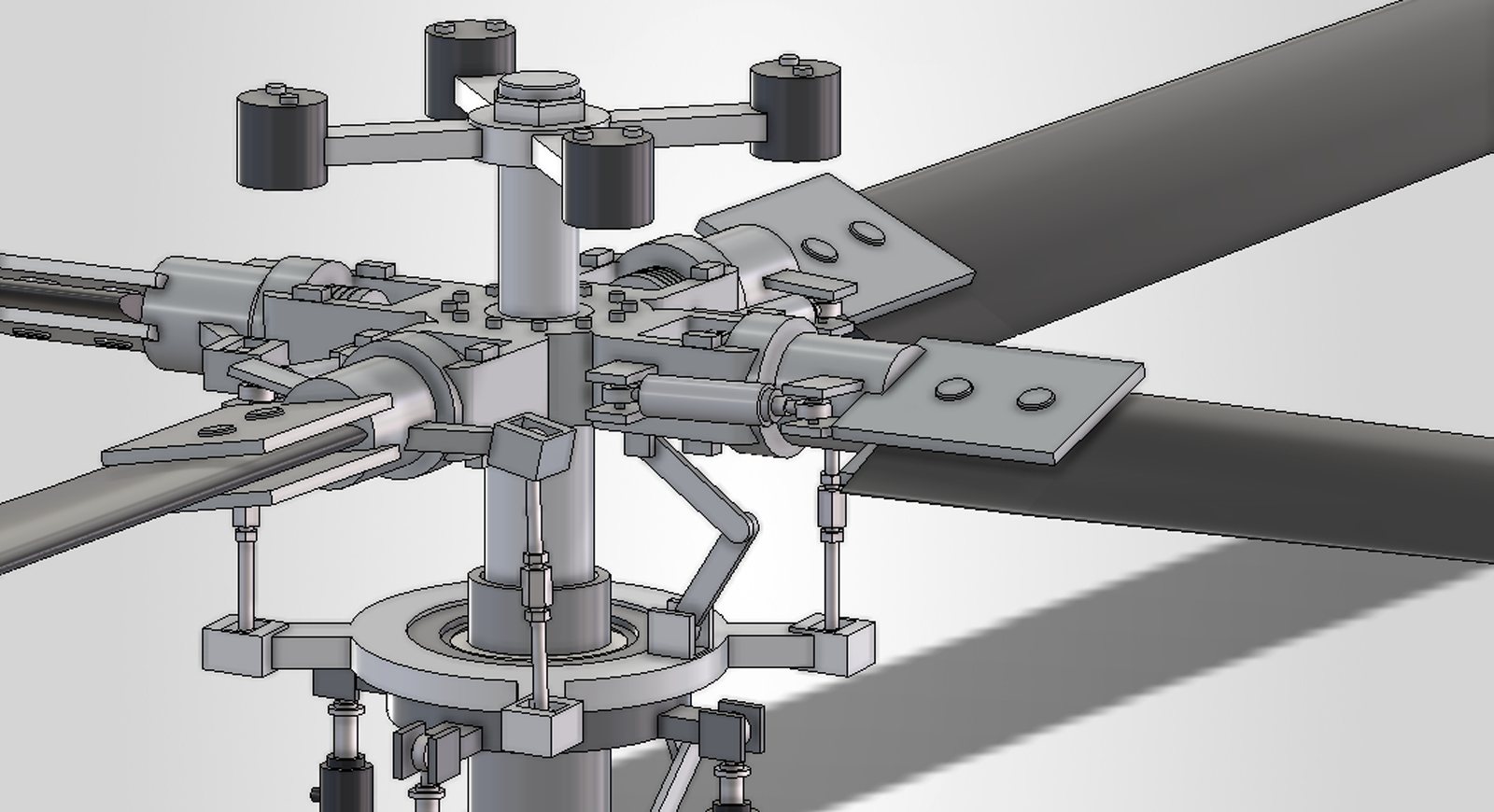 Machines
What a swashplate is and how it steers a helicopter: two plates on a bearing, collective and cyclic, told through the rotor head an AI built in SOLIDWORKS.
 Machines
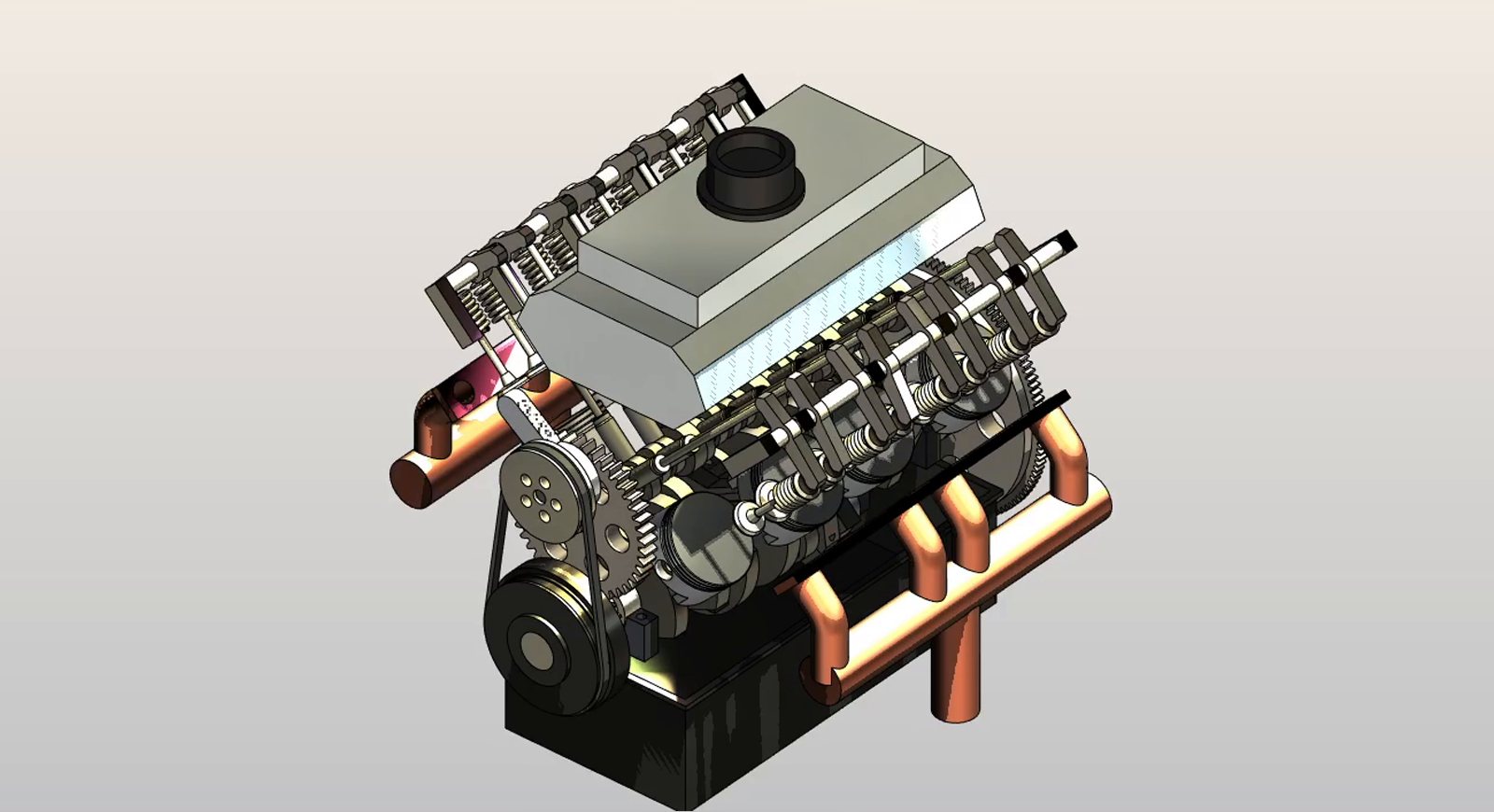
A 5.75-litre V8 in SOLIDWORKS with 213 components, where the crank alone moves pistons, cam and valves. How 1,344 steps were planned and built.
 Engineering
What engineers want an AI to build in SOLIDWORKS: 131 waitlist answers from 39 countries. Sheet metal leads, and only three mention engines.
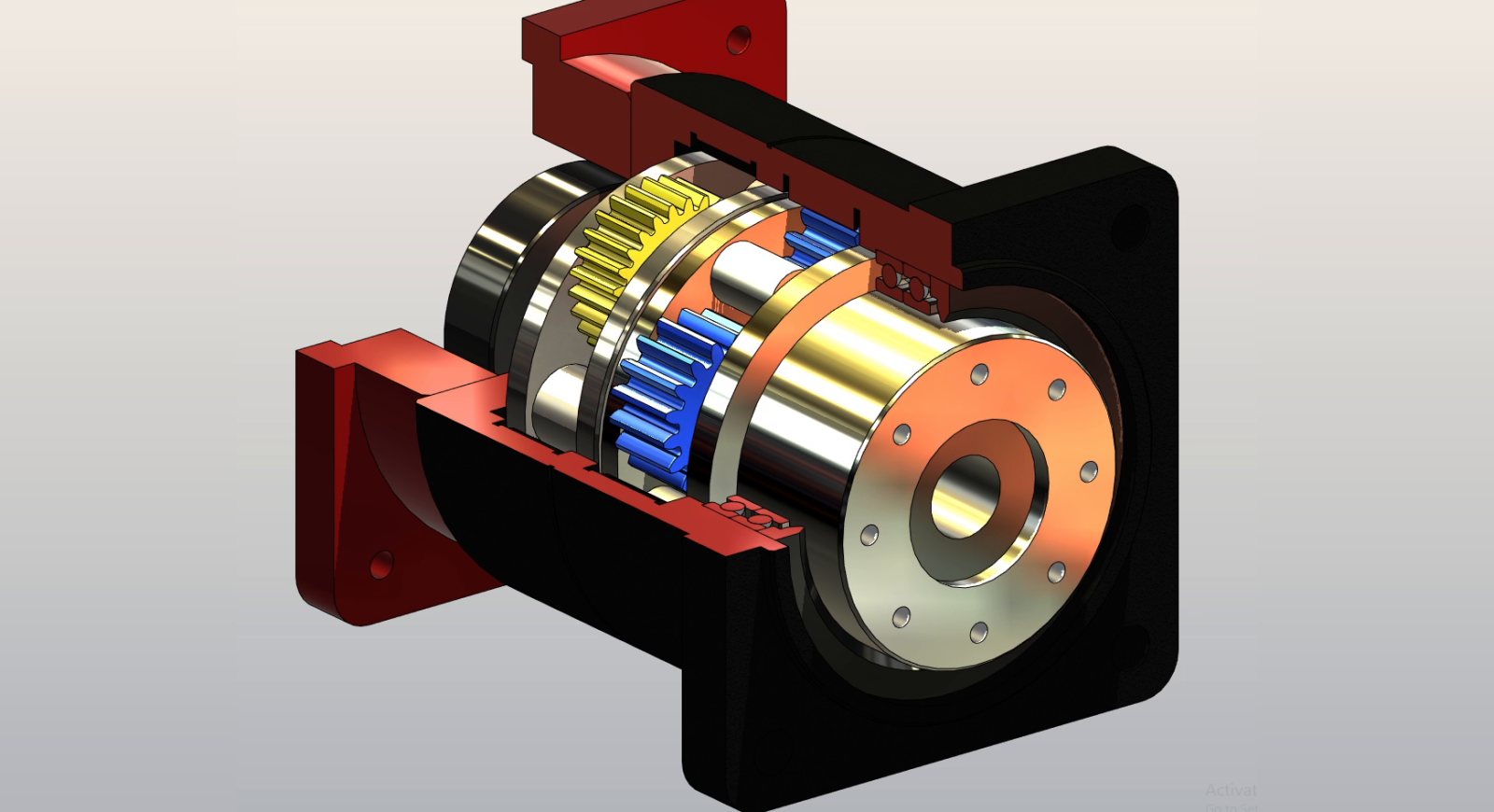 Machines
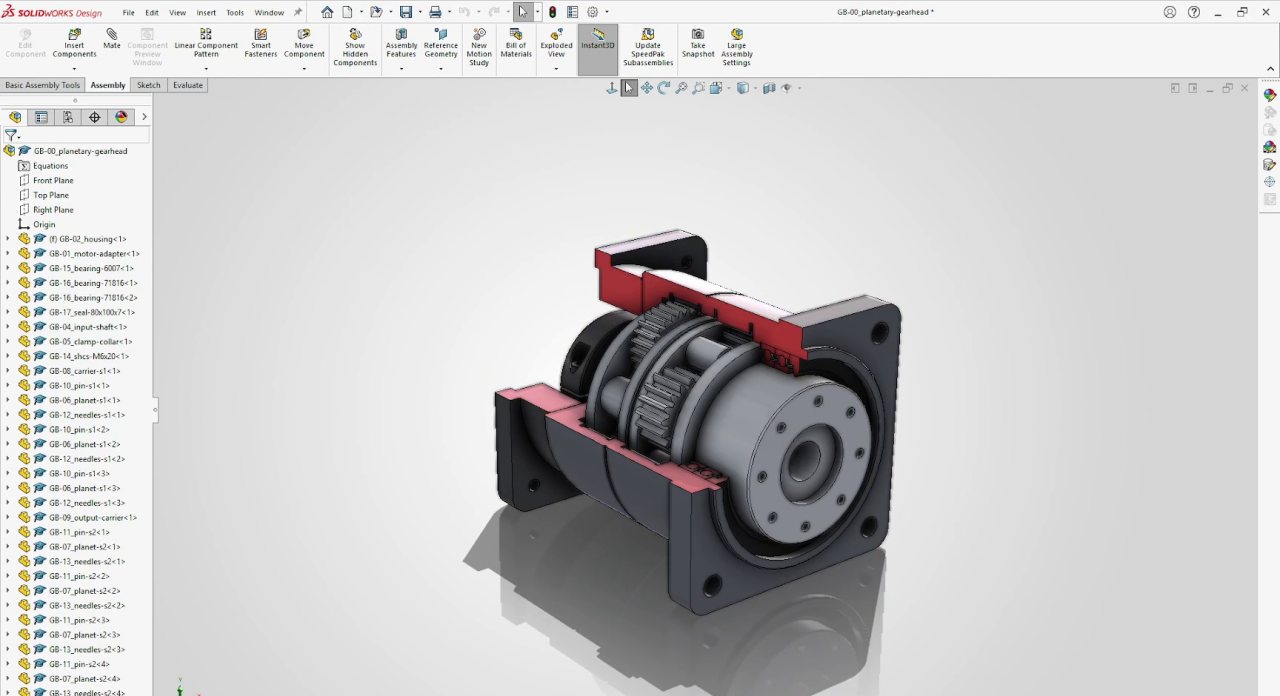
Sun, planets, ring and carrier: how a planetary gearbox works, how to calculate its ratio, and a 20:1 gearhead an AI built in SOLIDWORKS.
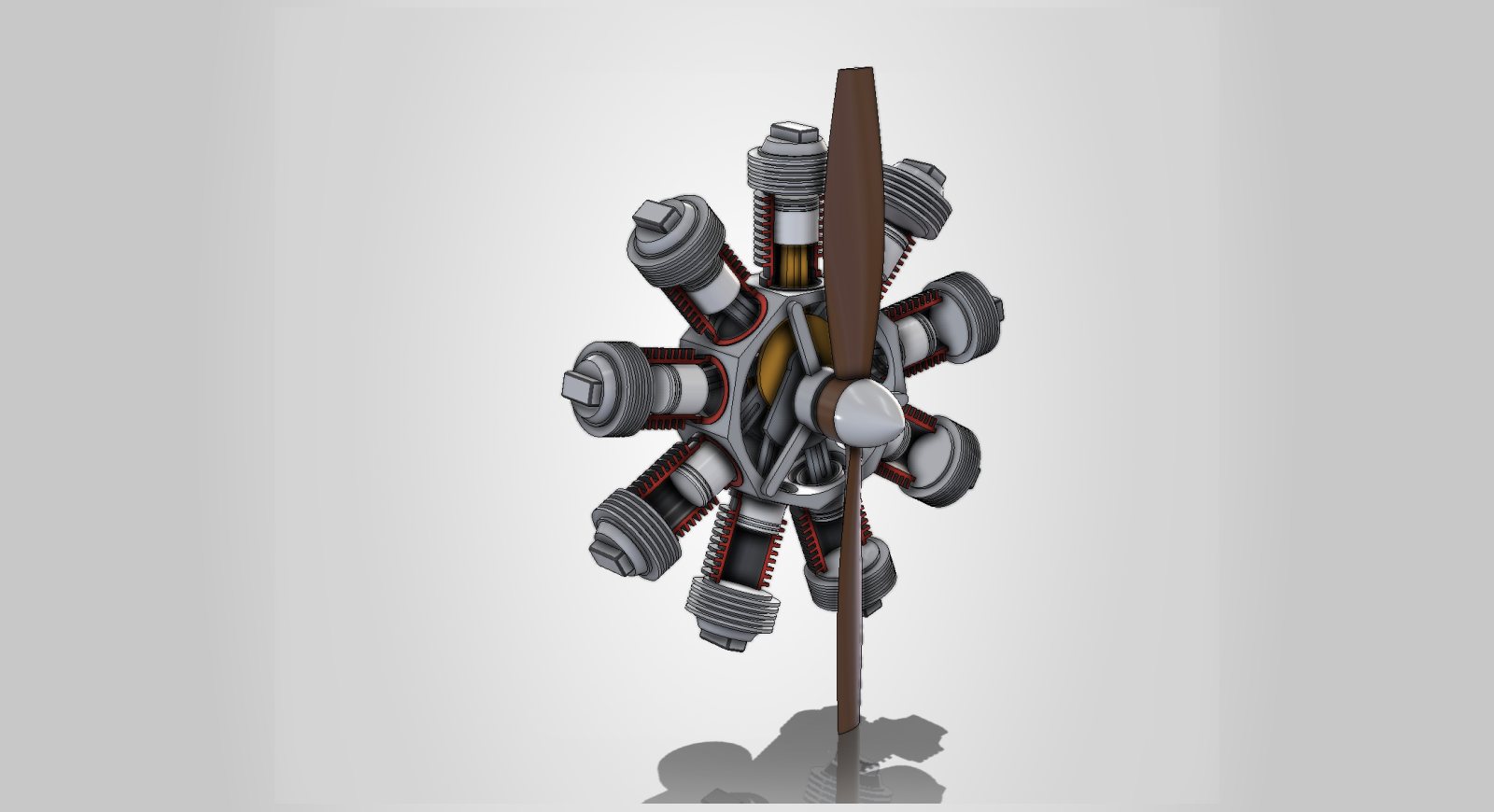 Machines
Why a radial engine has an odd number of cylinders, how nine pistons share one crank pin, and what the link rods do to each stroke, on an AI-built model.
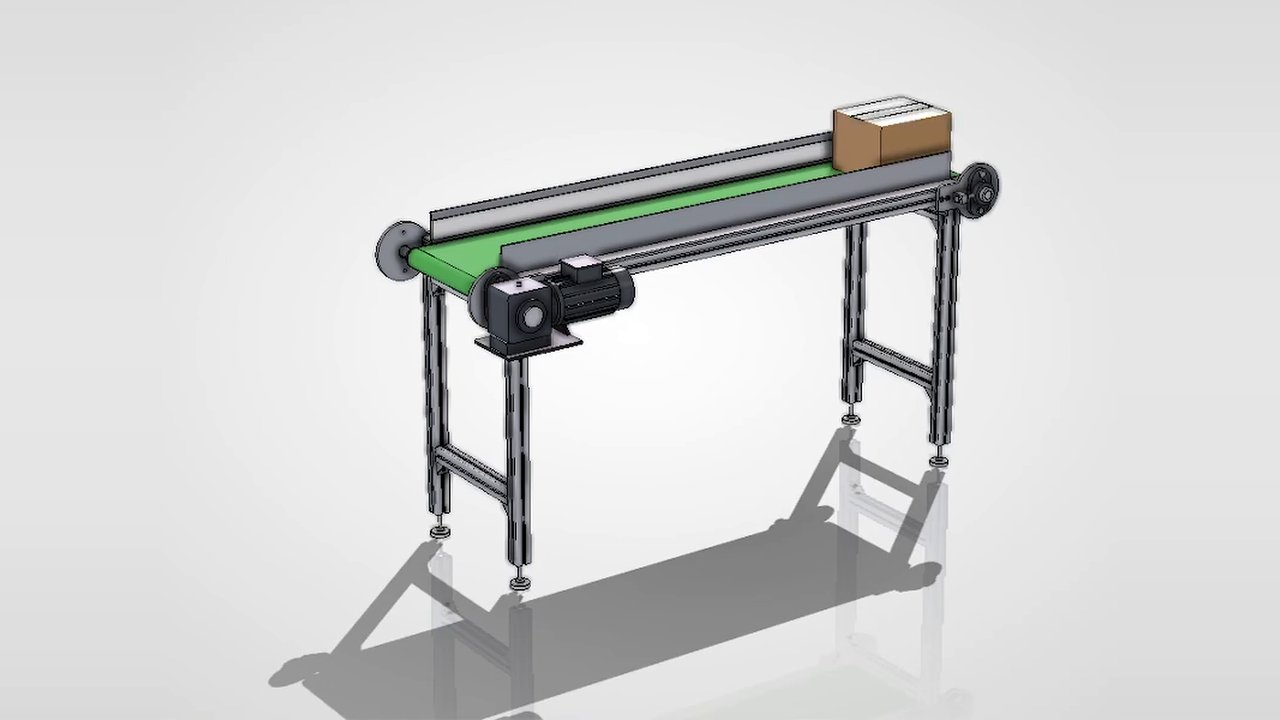 Engineering
How SOLIDWORKS configurations and Excel design tables work, when each one fits, and a belt conveyor in three lengths that an AI built as configurations of one assembly, third leg set included.
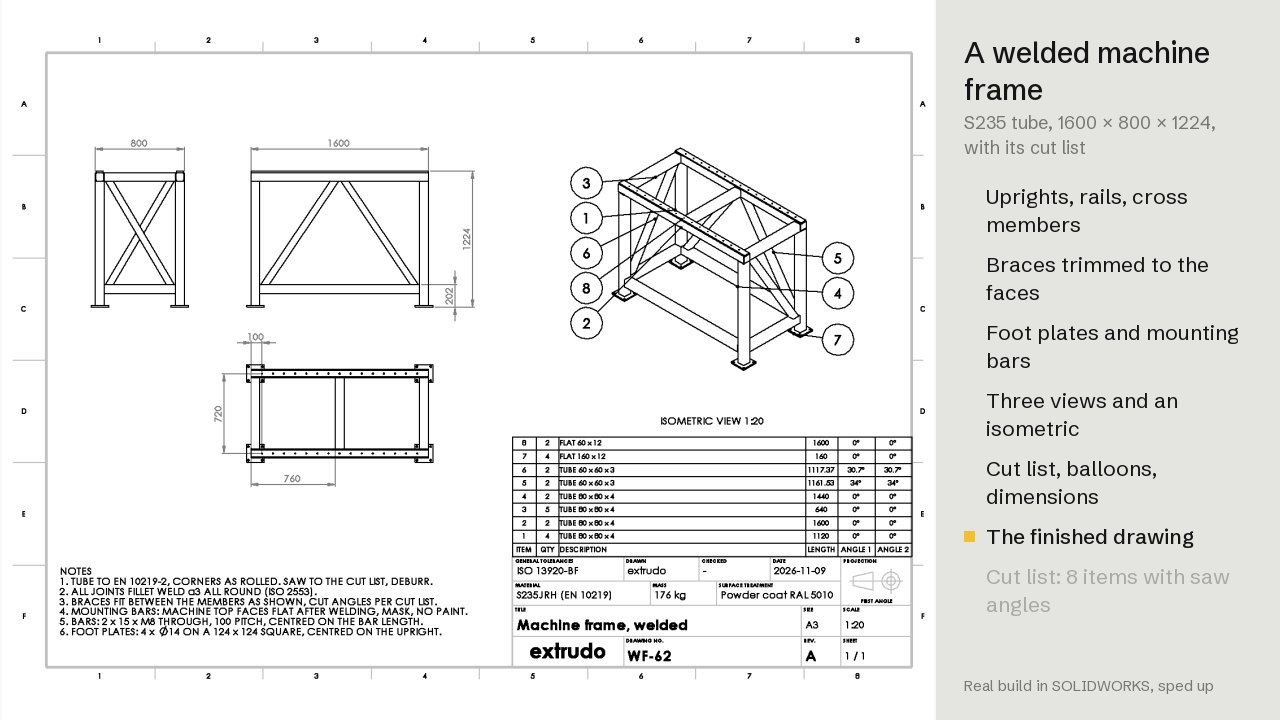 Engineering
How SOLIDWORKS weldments work, from structural members and trims to the cut list a welder can saw from, shown on a 1600 x 800 machine frame that an AI built in SOLIDWORKS.
 Engineering
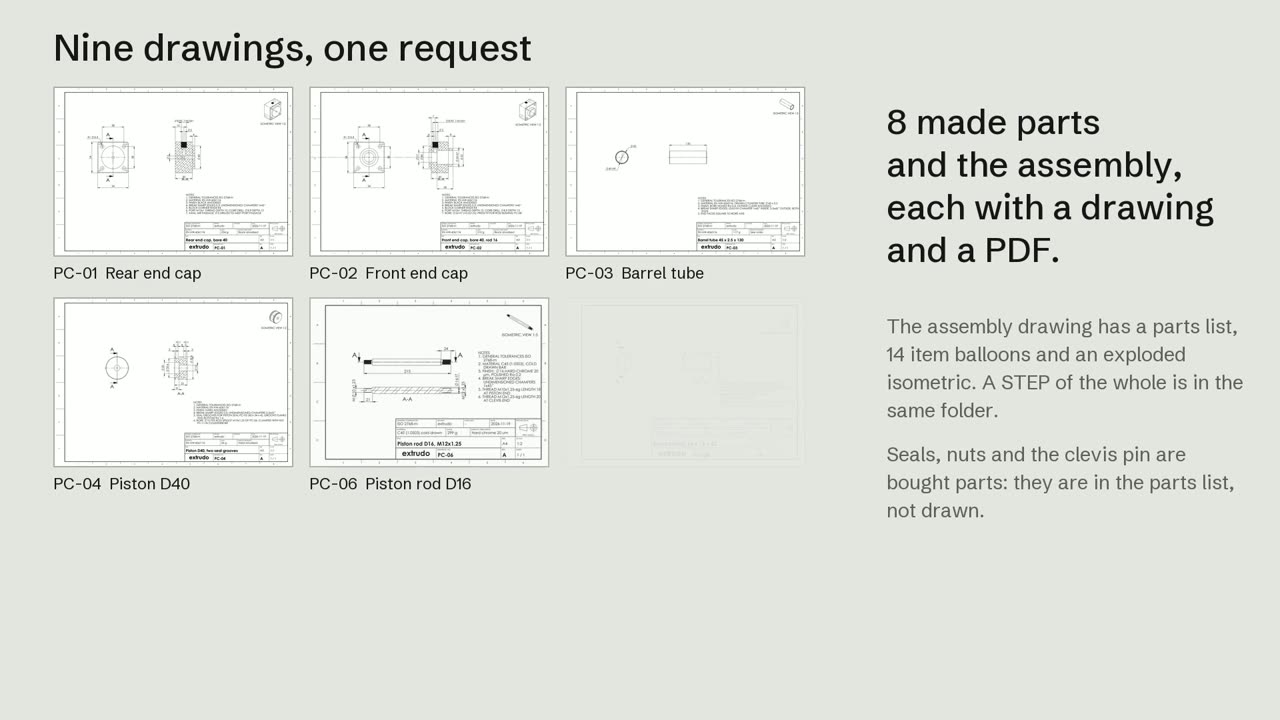
What goes into a SOLIDWORKS drawing package for an assembly, from part drawings to the assembly drawing with parts list and balloons, and how extrudo made all 9 drawings of a pneumatic cylinder in one run.
 AI and CAD
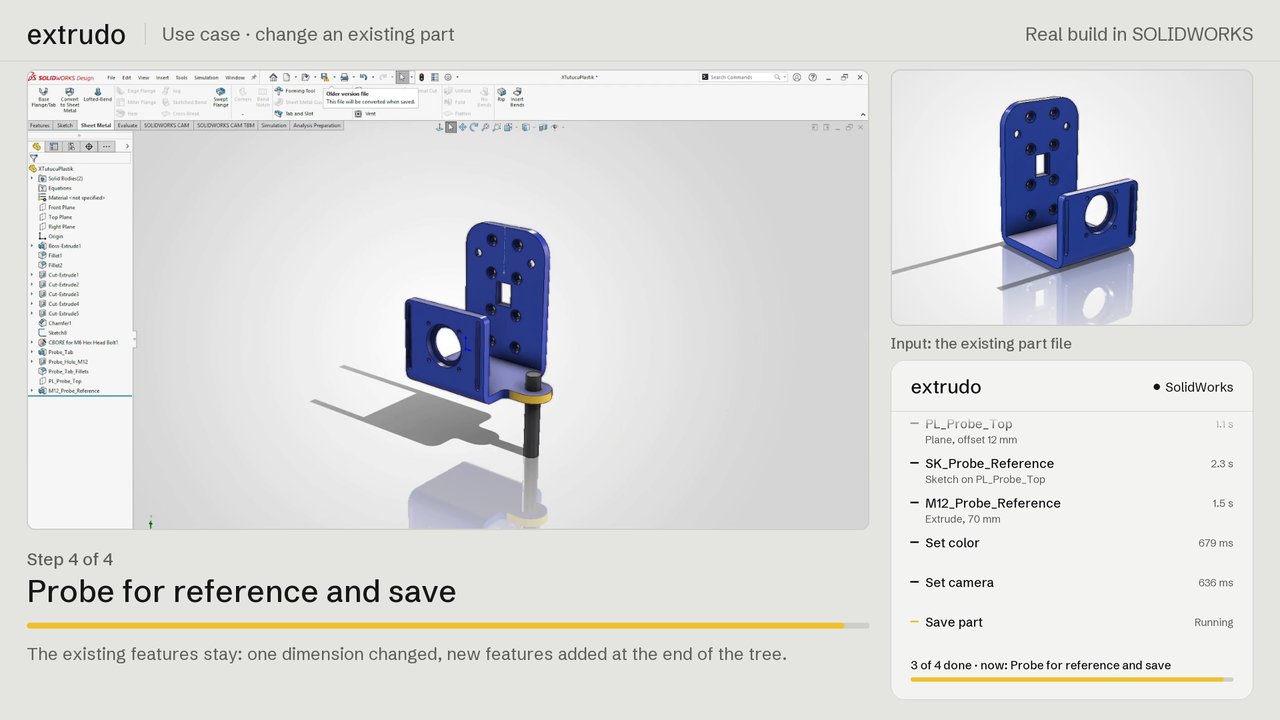
Most CAD work is changing models that already exist. Here's what a good engineering change in SOLIDWORKS looks like, and ten real changes extrudo made to existing parts, an assembly and a drawing, all ten passed.
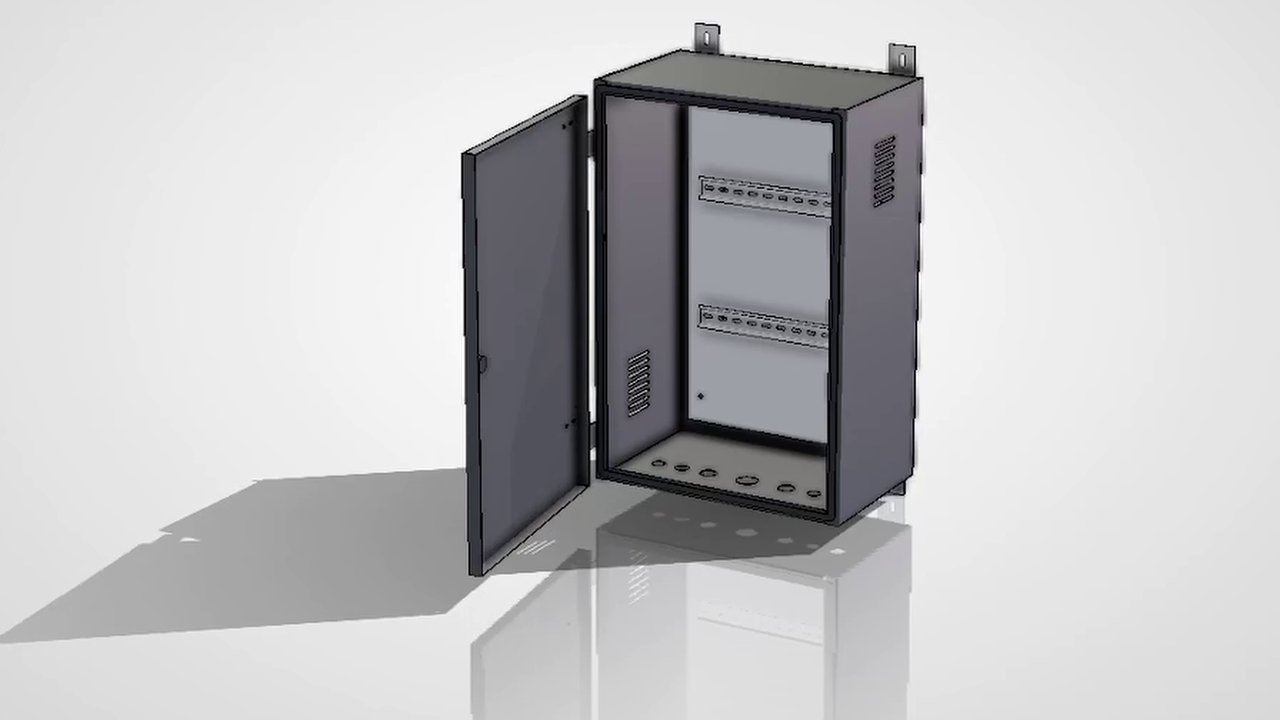
EngineeringAn AI built a wall-mounted control cabinet in SOLIDWORKS sheet metal: 7 parts with real bends, a DXF flat pattern of each and the blank sizes. Here's what's in the files.
 AI and CAD
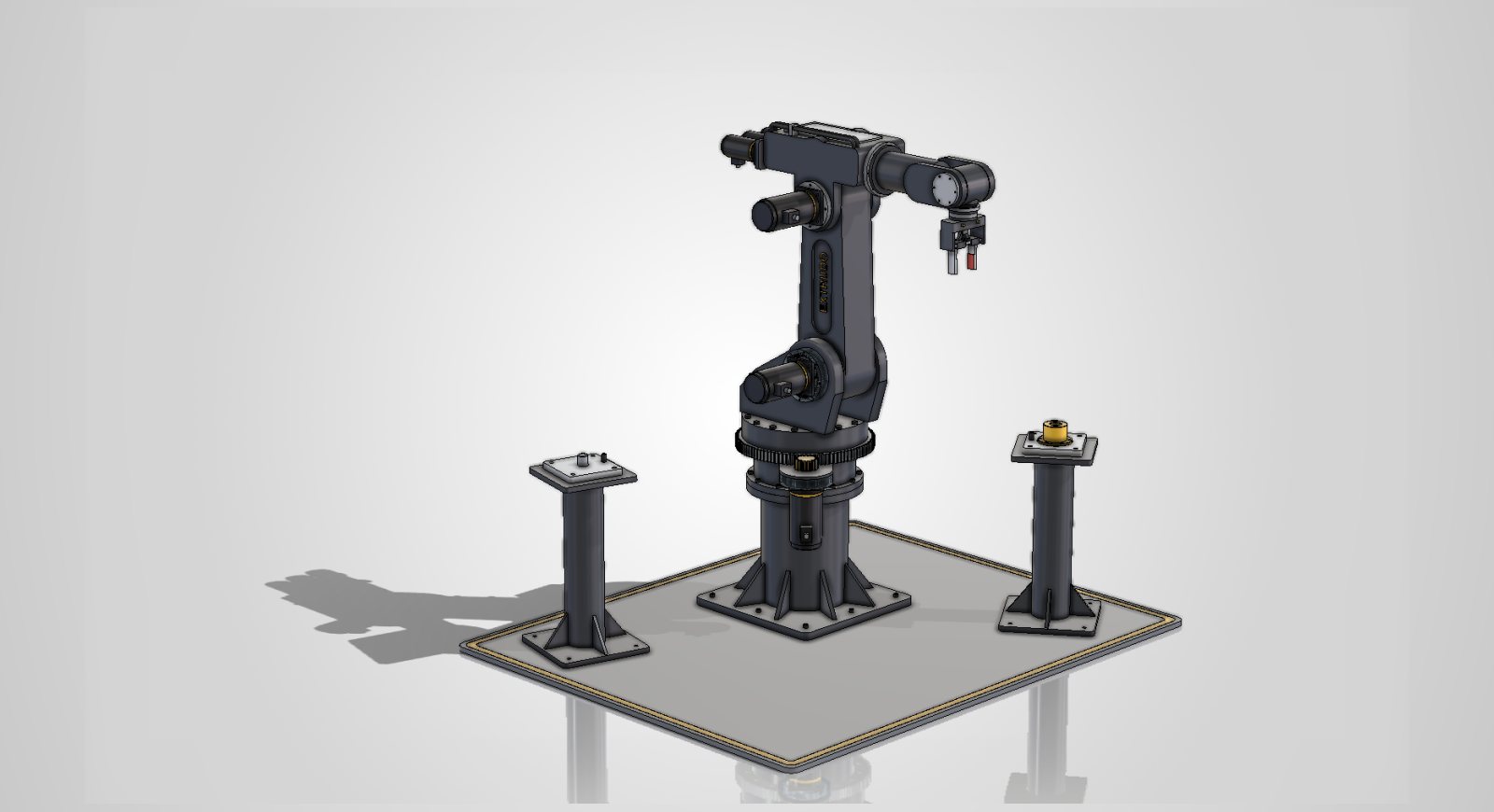
A SOLIDWORKS MCP server lets Claude drive SOLIDWORKS. How the connection works, how it's set up, and what a build of real parts needs on top of it.
 AI and CAD
AI CAD software comes in five kinds: text-to-CAD, copilots, built-in AI, generative design and CAD agents. What each one gives back, in one table, and how to pick.
 Machines
A jet engine STEP with no solids and no features, rebuilt by an AI as 73 native SOLIDWORKS parts. How it was measured and how close it came.
MachinesA belt conveyor in three lengths, built by an AI in SOLIDWORKS. The prompt never said how many legs. The 2 m version got a third set, and the numbers show why.
 Engineering
An AI got one PDF and one sentence and rebuilt the part with the same volume. What makes a drawing that good, including how to avoid tolerance stacking.
 AI and CAD
Yes, an AI can build real SOLIDWORKS parts, assemblies, sheet metal and drawings. What it has built, what you get in the file, and how it is measured.
AI and CADA mesh, a STEP file and a native SOLIDWORKS part can look identical. What separates them, what each is good for, and why it matters when a part changes.
 Security
A plain list of what stays on your computer and what goes to the language model when extrudo builds in SOLIDWORKS, on your own Claude or with the AI built in, including export-controlled work.
Every post starts from a real build in SOLIDWORKS: how a swashplate steers a helicopter rotor, a V8 engine where one motor drives 261 mates, a jet engine rebuilt from a STEP of loose surfaces, a belt conveyor in three lengths, and a production drawing an AI turned back into a part with the same volume. We also write down what leaves your PC, how native CAD differs from text-to-CAD, and what the engineers on our waitlist want built. The numbers come from the build logs.
Get started
Windows, with your own SOLIDWORKS licence. The free build needs only your email.