AI CAD software: five kinds of tools, sorted by what you get back

By Max Buining, who builds extrudo · 6 min read
"AI CAD" has become one of those labels that means five different things. A tool that turns a sentence into a mesh and a tool that builds a gearbox in SOLIDWORKS both use it, and they have about as much in common as a sketch on a napkin and a production drawing.
The fastest way to sort them is one question: what do you get back, and can you still change it tomorrow?
The five kinds at a glance
| Kind of tool | You give it | You get back | Can you edit it in your CAD tomorrow? |
|---|---|---|---|
| Text-to-CAD generator | A sentence or a picture | A mesh, a STEP file or code | Not as a feature tree in your CAD |
| Chat copilot | A question | An answer, a tip or a macro | You do the modelling yourself |
| AI inside a CAD package | A command you started | A suggestion for the next step | Yes, it's your own model |
| Generative design | Loads, fixed points and keep-out zones | Optimised, often organic shapes | Usually remodelled before it's made |
| CAD agent, such as extrudo | A brief, a drawing or an existing file | Native parts, assemblies and drawings | Yes: sketches, features and mates |
1. Text-to-CAD generators
You type a description, you get a shape. Most of these tools return a mesh, a STEP file or code that generates the geometry.
They're quick for a concept, a 3D print or a shape to show someone. What you don't get is a feature tree in the CAD package you already use, so "make it 10 mm taller" usually means modelling it again. The difference between a mesh, a STEP and a native part matters the moment a part changes.
2. Chat copilots
An assistant next to your CAD that answers questions: how does this command work, why won't this sketch rebuild, can you write me a macro for this.
Useful, and you're still the one modelling. It saves you a search, not the clicking.
3. AI features inside CAD packages
The CAD vendors are adding AI to their own software: suggesting the next command, proposing a mate, helping fill in a drawing. These live inside one package and speed up single steps.
They make you faster at what you were already doing. They don't take a brief and build the part.
4. Generative design
You define loads, fixed points and keep-out zones, and the software proposes material-efficient shapes. Great for lightweight brackets and parts made by additive manufacturing.
The results are often organic forms that need to be remodelled or simplified before they can be machined or bent, and you still need the surrounding design.
5. CAD agents that build in your CAD
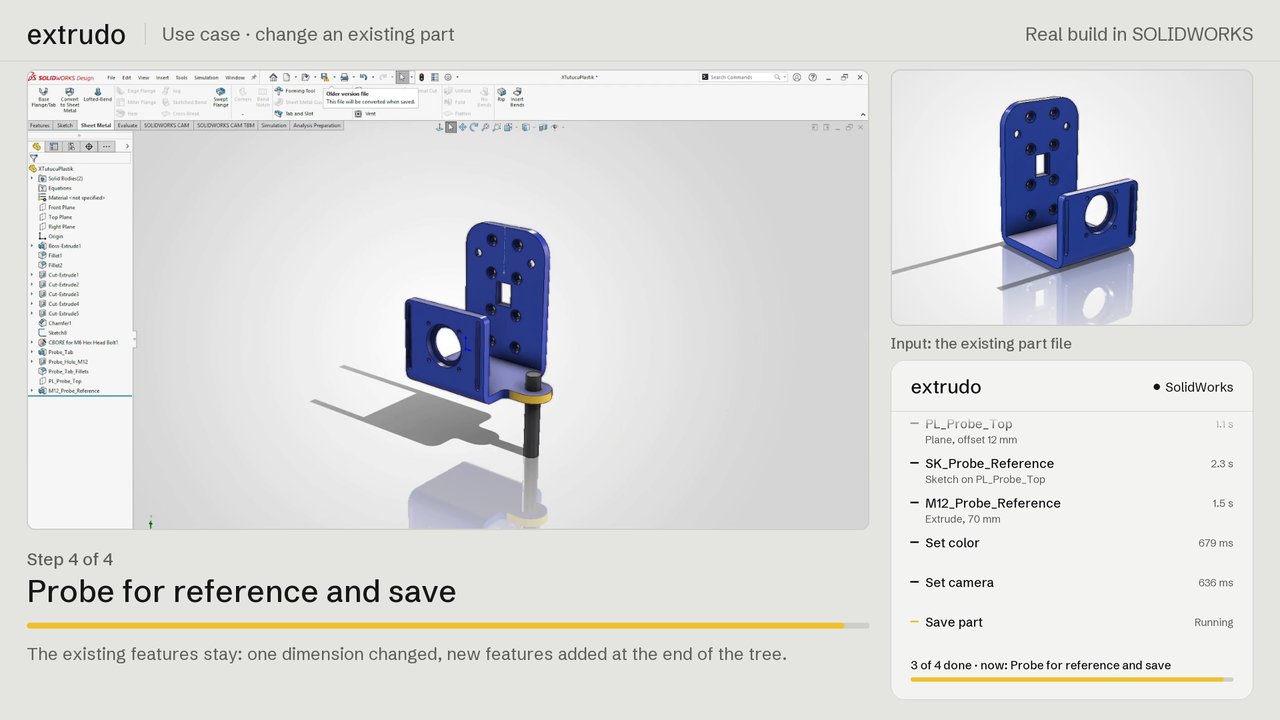
This is where extrudo sits. You give it a brief, a drawing or an existing file, and it builds the part in your own SOLIDWORKS, feature by feature, the way you would have: sketches, dimensions, features, mates, drawings.
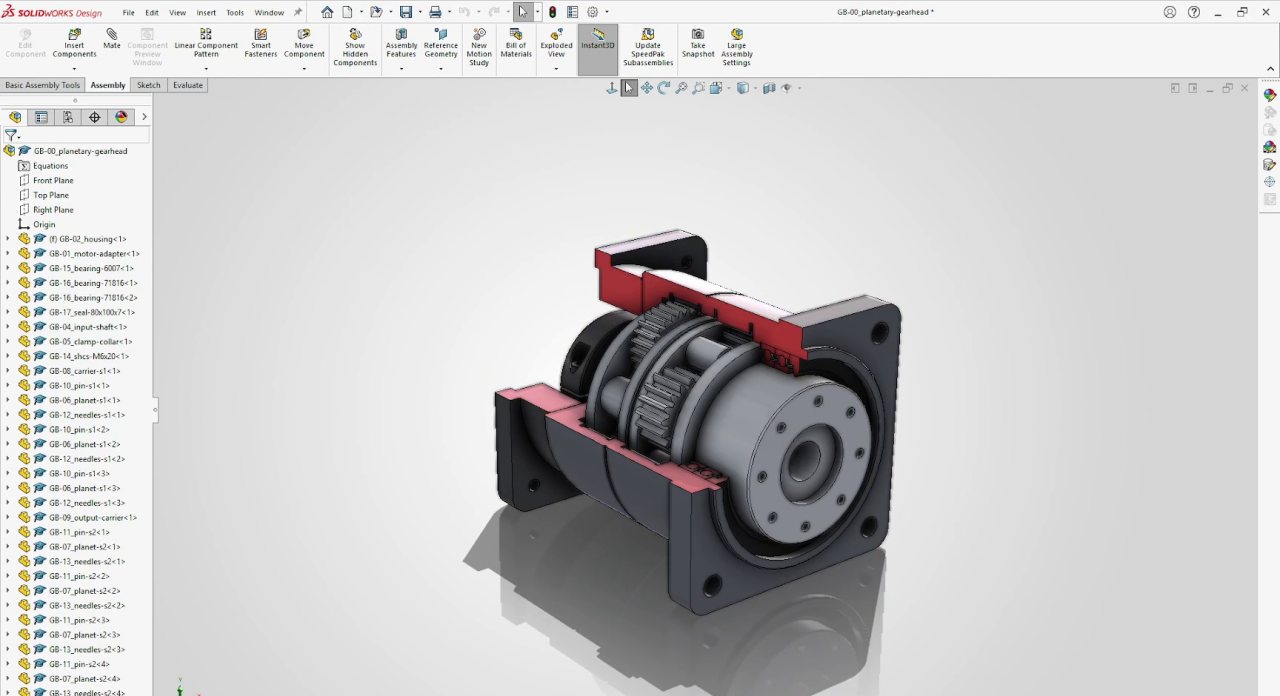
What comes back is a normal SOLIDWORKS file. The gearhead above has a 20:1 ratio (here's how a planetary gearbox works), and only its input shaft is driven: turn it 7,358 degrees and the output flange turns 367.9, exactly one twentieth. A colleague can open it and work on it like any other SOLIDWORKS assembly.
What to ask before you pick one
Whatever you're looking at, these six questions sort it out fast.
- What file do I get? A mesh, a STEP, code, or a native part with its history?
- Can I edit it in the CAD I use? Change a dimension tomorrow without starting over?
- Does it run in my CAD, on my licence? Or is it a separate tool with its own export?
- Where do my files go? Is anything uploaded, and who can see it?
- How do I know it's right? Does it check its own work, or do I find out at the machine?
- Does it do the boring parts? Assemblies that move, drawings with a parts list, flat patterns for sheet metal.
Where extrudo is different
Here's how extrudo answers those six:
- Native files. Parts, assemblies and drawings with feature trees and mates you can edit, not a mesh or a dumb STEP.
- Your own SOLIDWORKS. It runs in the SOLIDWORKS you already have, on your PC, with your own licence.
- Your files stay on your PC. The part files themselves are not uploaded. Here's exactly what does go to the model.
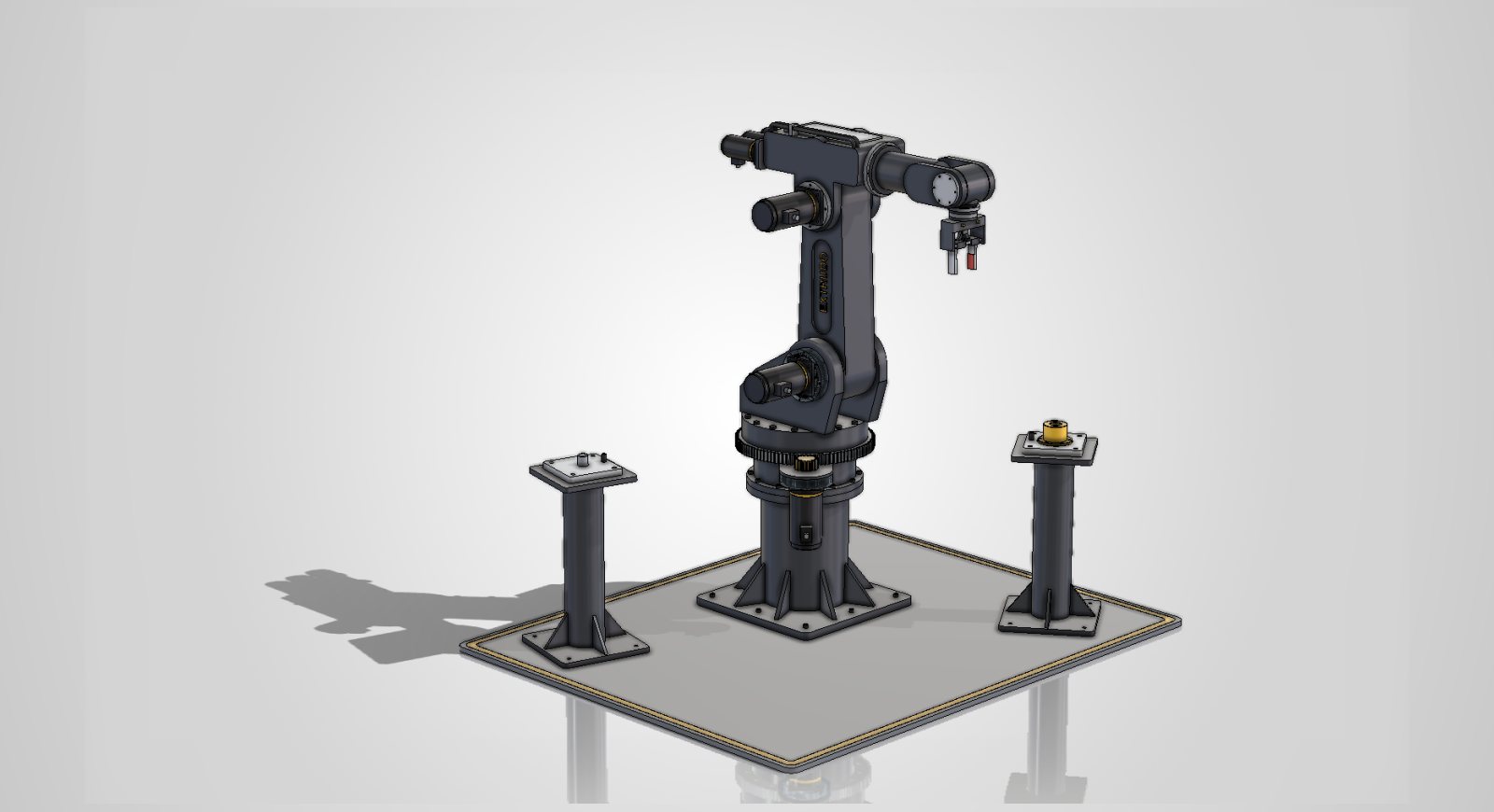
- Measured after every step. Volume, mass and bounding box come back from SOLIDWORKS after every feature and get compared with the brief. Mechanisms are driven and measured, like the gearhead.
- The whole job. Sheet metal with DXF flat patterns, assemblies with working mates, production drawings with a title block and an assembly drawing with a parts list.
- A log of everything. Every step is written to a log on your PC, so you can see what was done and why.
If you want a shape to look at, a text-to-CAD tool is fine. If you want a part your shop can make and your colleague can change, you want it built in your CAD. That's the one we're building.
FAQ
What is the best AI for CAD?
It depends on what you need back. For quick concept shapes, a text-to-CAD generator. For editable SOLIDWORKS parts, assemblies and drawings in your own CAD, a CAD agent such as extrudo, which builds native files with a feature tree.
Is there an AI that can make CAD models?
Yes. Text-to-CAD tools generate shapes, and CAD agents like extrudo build complete native models in SOLIDWORKS, including assemblies, sheet metal and drawings.
Can AI generate SOLIDWORKS files?
Yes. extrudo builds native SOLIDWORKS parts, assemblies and drawings directly in your own SOLIDWORKS, with sketches, features and mates you can edit afterwards.
Is text-to-CAD the same as AI CAD?
No. Text-to-CAD is one kind of AI CAD tool. It usually returns a mesh, a STEP file or code. Other kinds help you inside your CAD or, like extrudo, build the native model for you.
Can ChatGPT do CAD?
Building a native, editable part in your CAD package takes more than a chat: a connection to that software and a check on what got built after every step. That's what a CAD agent such as extrudo adds. A general chat assistant is good for explaining a command, writing a macro, or writing code that a code-based CAD tool turns into a shape.
Is AI replacing CAD?
No. The AI tools that are useful for engineering work inside CAD, not instead of it, because the result still has to be a model someone can check, change and put on a drawing. What changes is who does the clicking. More on that in can AI do CAD?
Can AI make CAD drawings?
Yes. extrudo makes production drawings in SOLIDWORKS with views, dimensions and a title block, and assembly drawings with a parts list and balloons. Here's how it keeps tolerances from stacking up.