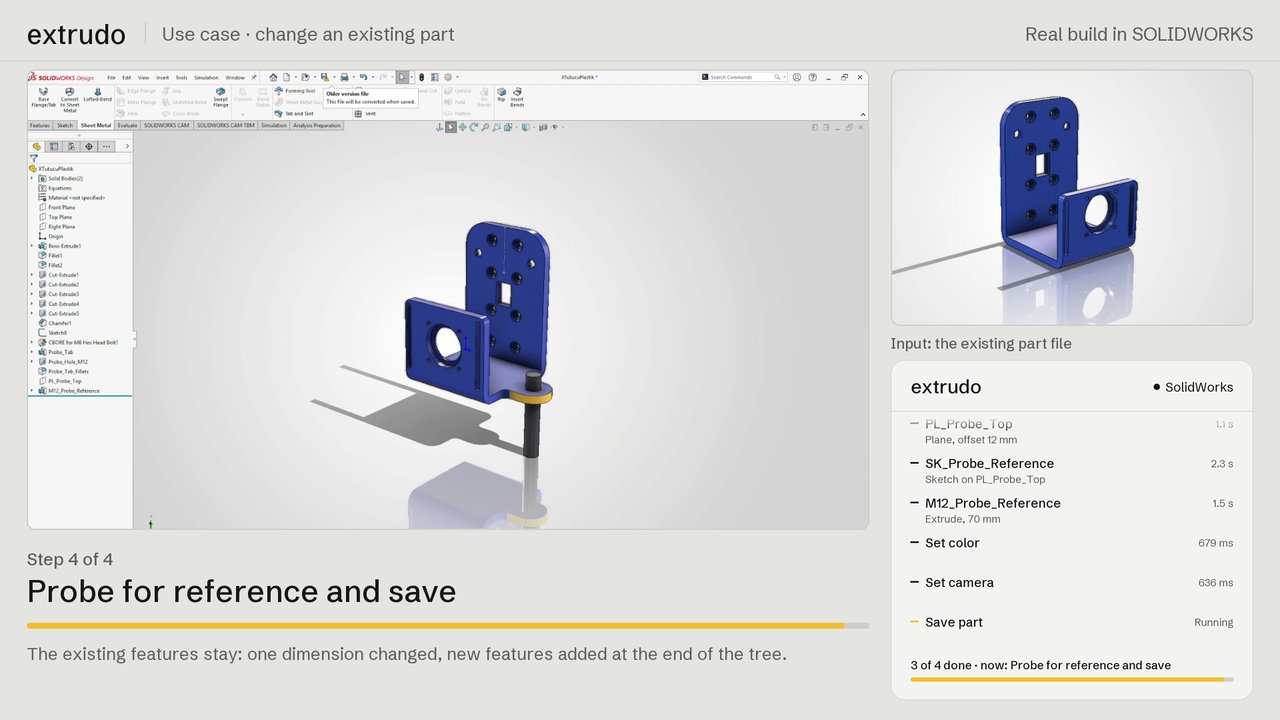
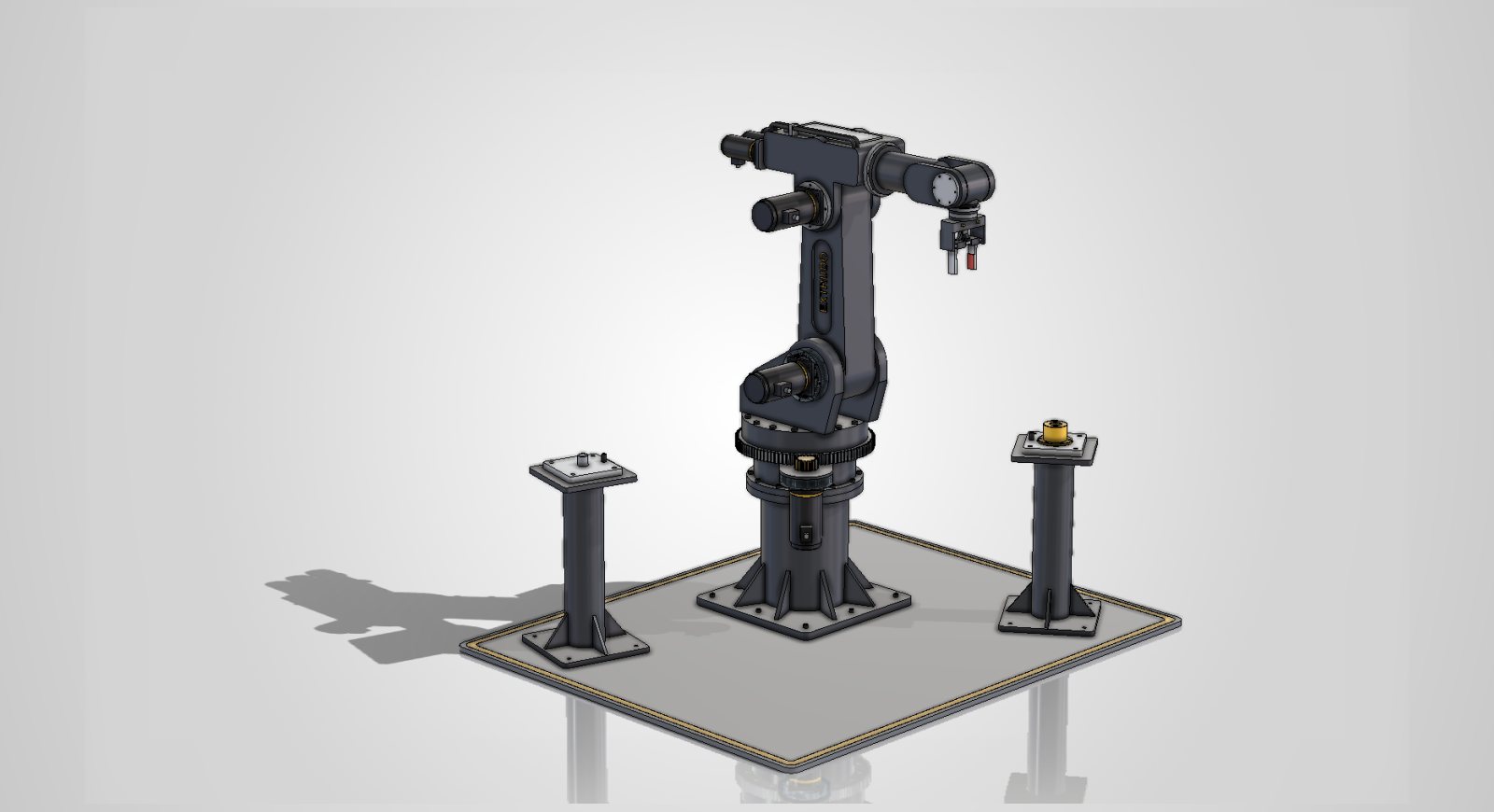
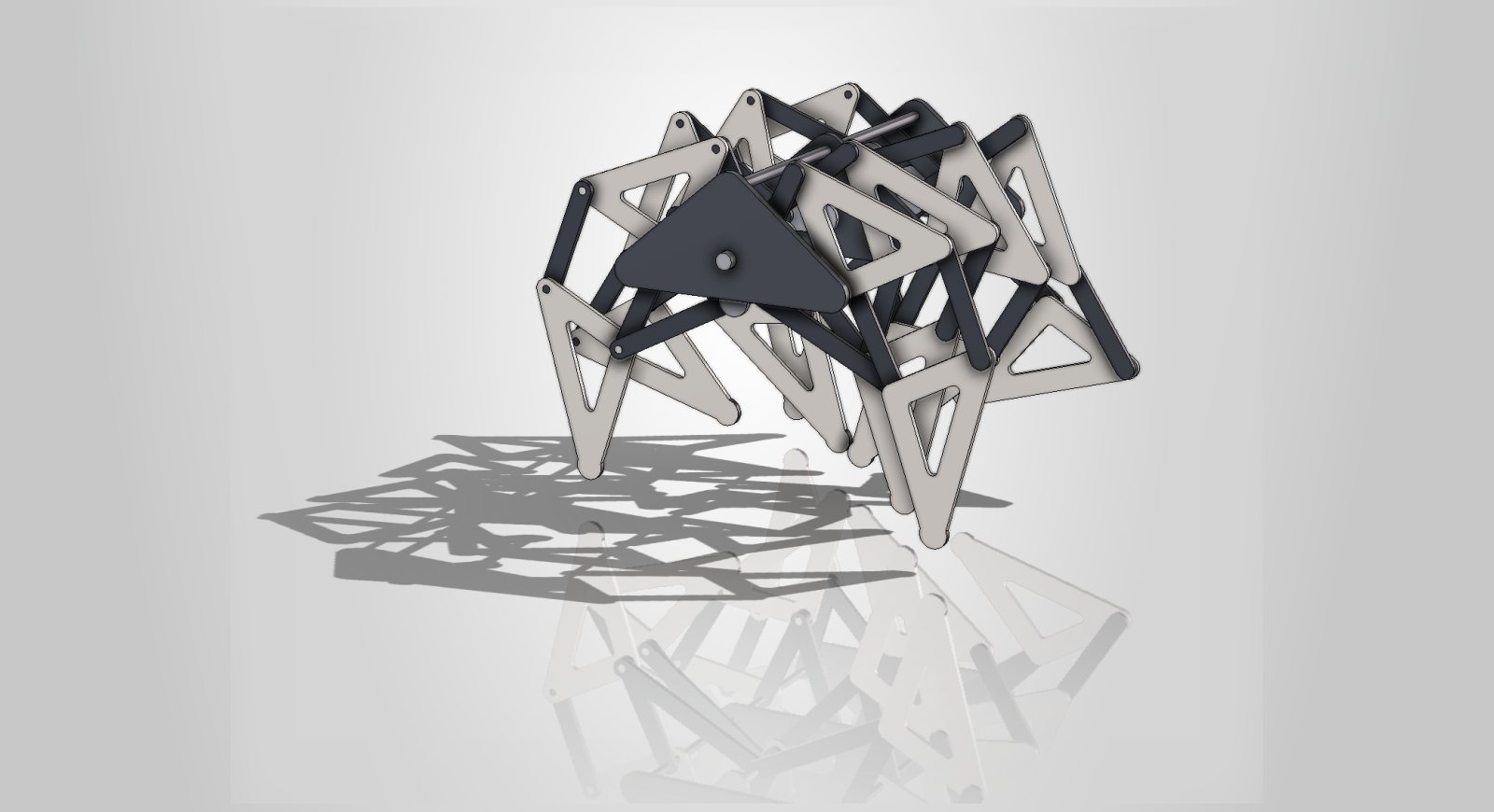
What we fixed after launch: exact STEP holes, calmer drawings, far less memory

By Max Buining, who builds extrudo · 5 min read
extrudo opened on 21 November. In the first week, users sent us builds that went wrong, crash reports and screenshots. This update fixes most of what they found. Here is what changed, and why.
How to get the update
extrudo looks for a new version once a day. When it finds this one, the window shows Update now. In the SOLIDWORKS Task Pane the button says Update when SOLIDWORKS closes, and the update installs once you close SOLIDWORKS.
If the banner says Download instead, your version is older than the in-app updates. Install it once from the download page, with SOLIDWORKS closed. After that, updates come from inside the app. You can do the same if you don't want to wait for the daily check.
Holes from a STEP file come back exact
The task Editable model from a STEP rebuilds an imported STEP as a native SOLIDWORKS part with a feature tree you can edit. Until now extrudo measured holes from a mesh of the part. That works for the big shapes, but small holes could come back a size off.
Now extrudo reads every hole straight from the exact geometry in the STEP file: diameter, axis, position, depth, through or blind, counterbore or countersink, and how many of each. It models the holes from that list and checks the finished part against the same list at the end. A 10 mm hole comes back as 10 mm, and a hole the rebuild missed shows up in the check, not later in the workshop. More about this task in rebuilding a jet engine from a STEP.
Big assemblies use far less memory
When extrudo placed a standard part from SOLIDWORKS Toolbox, such as a bolt, it opened that part in its own window and left the window open. Every open window costs SOLIDWORKS about 400 MB. In an assembly with dozens of bolts that added up until SOLIDWORKS ran out of memory and closed.
Now the window closes as soon as the part is in the assembly, and the part stays where it was placed. In our test, ten Toolbox bolts added about 0.3 GB instead of 4.2 GB.
Screenshots are always fresh
extrudo looks at screenshots of SOLIDWORKS to check its own work. SOLIDWORKS doesn't always redraw a window that is minimised or behind another app, so a screenshot could show an older state of the model.
Now extrudo redraws before every screenshot and checks that the picture really changed. If SOLIDWORKS still shows the old view, extrudo tries once more and then says so, instead of working from an old picture. It also checks that SOLIDWORKS shows the right document, and it asks Windows to stay awake while a build runs, so a long build doesn't stop when the PC goes to sleep.
Calmer drawings, checked more strictly
- No notes block unless you ask for one. A list of notes in the corner made sheets busy and often repeated what the views already said. Material, finish, edges and the general tolerance now go in the title block, and other remarks go in the build report.
- No text labels with leader lines on the views unless you ask for them.
- Sheet metal parts get a flat pattern view with a note on every bend line (direction, angle and radius), placed clear of the line.
- Stricter checks before a drawing is called done: the general tolerance follows ISO 2768, every geometric tolerance frame is read back and checked against the face it points to, and welded joints need weld symbols.
- Deleting a detail view now also removes its circle on the parent view.
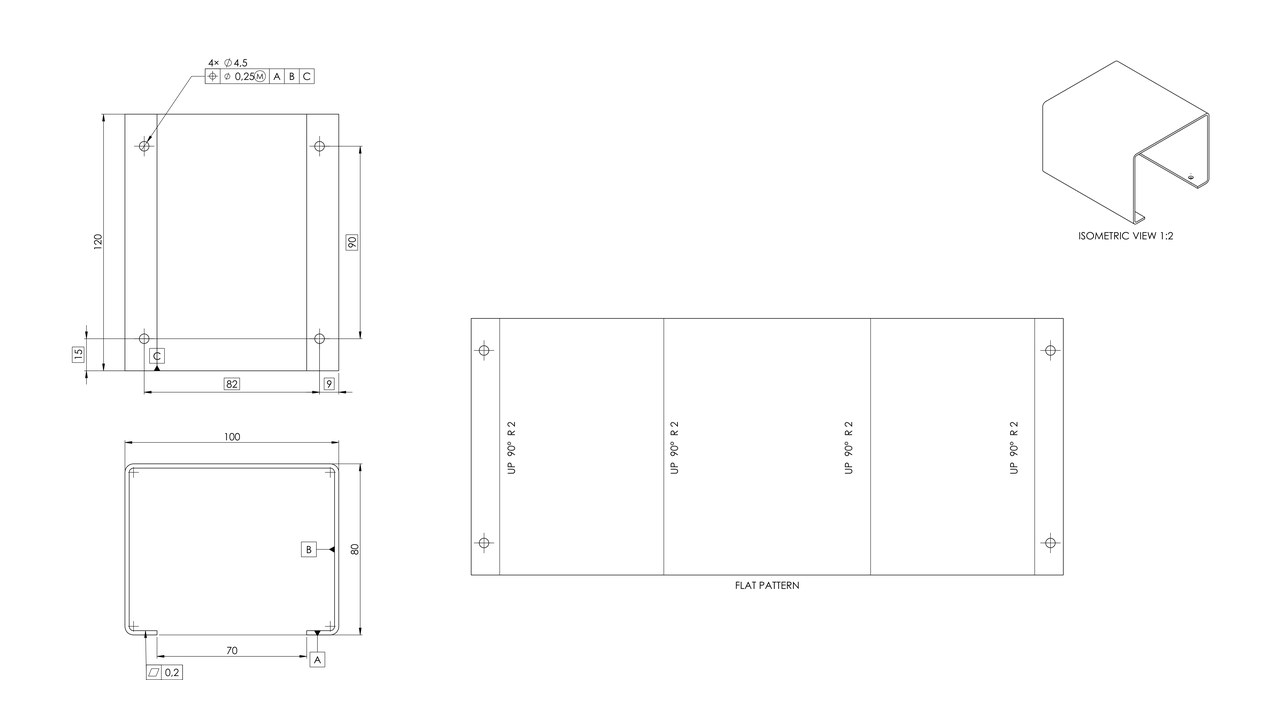
For a whole set of drawings, see a drawing package from one model and sheet metal with AI.
Bearings and gears from Toolbox
extrudo could already place bolts, nuts and washers from SOLIDWORKS Toolbox. Now it also places bearings, such as a 6204 deep groove ball bearing, and gears with the number of teeth you ask for. The previous version set a gear's module as an angle, so gears came out far too big. That is fixed.
Toolbox comes with SOLIDWORKS Professional, Premium and Ultimate. Without it, extrudo works as before.
Bolts follow the hole pattern
In an assembly, extrudo can now pattern a component along a part's hole pattern. Change the number of holes, and the bolts follow.
A G2 check for curved surfaces
For flowing shapes such as a car body, extrudo can now measure the curvature on both sides of a seam and tell whether the surfaces meet tangent (G1) or curvature-continuous (G2).
Your own Claude plan, out of usage for one model
If you connect your own Claude plan and it has no usage left for the model you picked, extrudo now says so and asks you to choose another model. Continue then carries on with that one.
First fixes for SOLIDWORKS in other languages
A tester ran extrudo on a German SOLIDWORKS and found three things that only worked in English: material names, the length column of a weldment cut list, and the names of the standard views. extrudo now finds materials by their physical properties, reads cut list properties by their role and asks SOLIDWORKS itself for the names of views and sheets.
We have tested this on an English SOLIDWORKS; the German test comes next. If yours runs in another language and something looks off, please tell us.
Smaller fixes
- A short pause after SOLIDWORKS closes a document, before the next step. On one SOLIDWORKS 2026 SP4 install, opening a new part straight after closing one made SOLIDWORKS crash.
- Blind tapped holes no longer leave a warning in the feature tree.
- The progress line and error messages above the chat bar are readable over a light model.
FAQ
Do I have to reinstall extrudo?
Not if extrudo shows Update now: click it and extrudo updates and restarts by itself. If the banner says Download, install the new version once from the download page with SOLIDWORKS closed. From then on, updates come from inside the app.
Does the update cost anything?
No. The update is free, and your plan stays the same.
Most of these fixes started with an email from a user. If something in extrudo doesn't work the way you expect, write to info@extrudoai.com. We read every message.